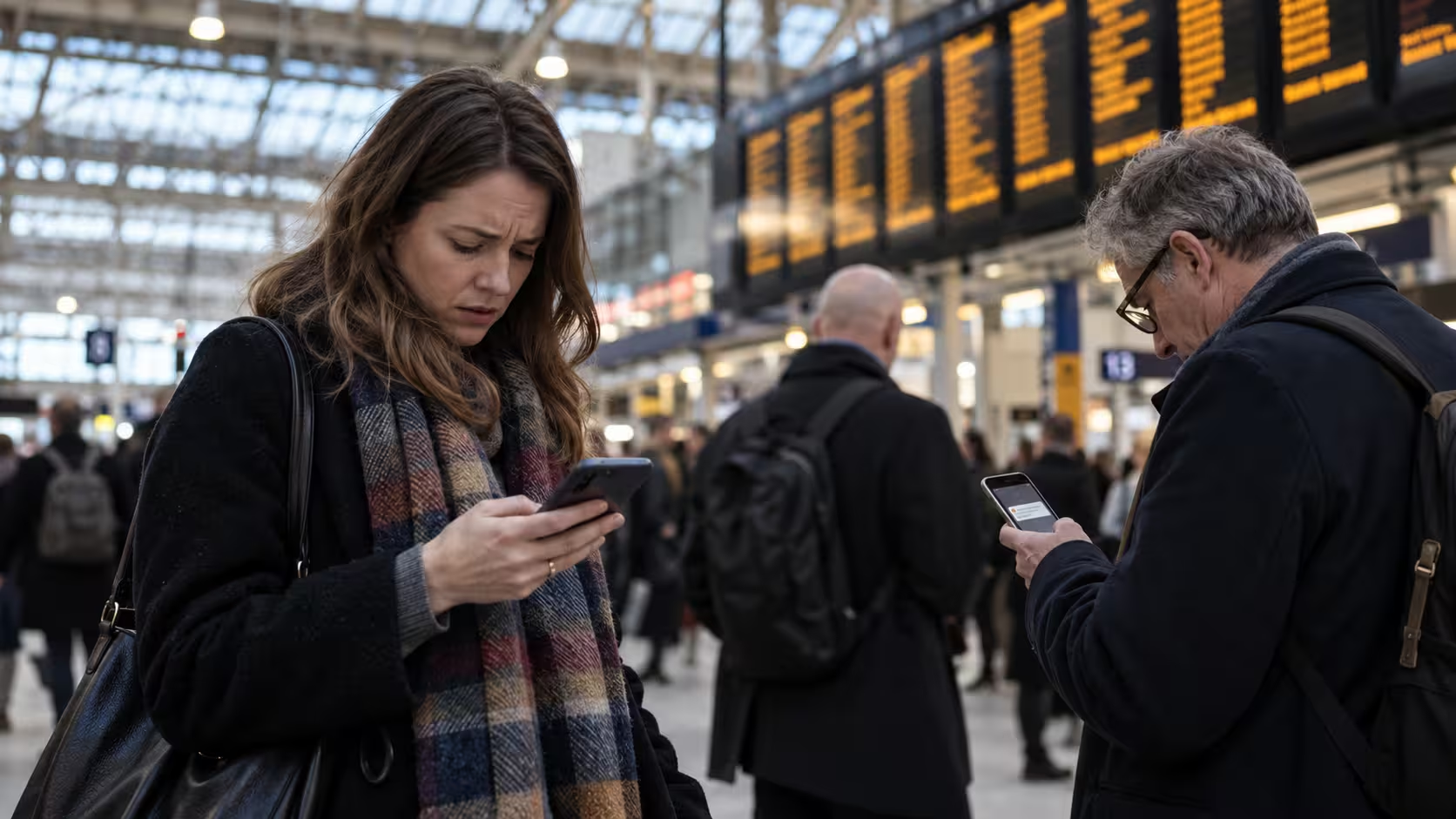

The UK Emergency Alert system is designed to warn people quickly about serious threats such as severe flooding, wildfires, extreme weather and other situations where there may be an immediate risk to life.
Alerts are sent directly to compatible mobile devices in affected areas through the mobile network.
However, not every phone will always receive an alert. During national tests and real emergencies, some users may find that their phone remains silent even when people nearby receive the warning.
This can happen for several reasons, including poor network coverage, incompatible software, disabled alert settings or simply being outside the area targeted by the alert.
Understanding how the system works and checking your phone in advance can reduce the risk of missing an important warning.
How Does The UK Emergency Alert System Work?
The UK Emergency Alert system uses cell broadcast technology rather than ordinary text messaging. Government authorities send an alert through mobile phone masts covering a specific geographical area.
Compatible devices connected to those masts can receive the message without users having to register, download an app or provide their phone number.
Emergency Alerts can include:
- A Loud Warning Sound
- A Distinctive Vibration
- An On-Screen Safety Message
- Instructions About What Action To Take
- Information About The Area Affected
The system generally works through compatible 4G and 5G mobile networks.
Emergency Alerts do not depend on ordinary mobile data, Wi-Fi or an internet connection. This allows the system to reach large numbers of people quickly, even when mobile networks are busy.
Why Did You Not Receive The Emergency Alert?
There are several reasons why one device may not receive an alert while another device in the same area does.
Your Phone Was Not Connected To 4G Or 5G
A compatible phone normally needs to be connected to a supported 4G or 5G mobile network when the alert is broadcast.
Even if your phone supports 5G, it could temporarily be connected to an older network because of weak coverage or local network conditions.
A poor mobile signal can therefore prevent the alert from reaching your device.
Your Phone Was Switched Off Or In Airplane Mode
A phone that is switched off cannot receive a live cell broadcast.
Airplane mode can also prevent Emergency Alerts because it disconnects the device from the mobile network.
This is different from silent mode. Emergency Alerts are designed to attract attention and may still make a sound even when the phone is normally set to silent.
Emergency Alerts Were Disabled
Some phones allow users to change Emergency Alert settings.
If the relevant alert category has been switched off, the device may not display or sound the warning.
Settings can also vary between phone manufacturers, so it is worth checking the Emergency Alert options directly rather than assuming they are enabled.
Your Device Or Software Was Not Compatible
Most modern smartphones support Emergency Alerts, but older devices may not.
iPhones generally need compatible recent iOS software, while Android support is most consistent on Android 11 and later. Some earlier Android devices may also support the system depending on the manufacturer.
Imported or heavily customised devices may behave differently if they were not designed for UK mobile networks.
You Were Outside The Targeted Alert Area
Not every Emergency Alert is sent across the whole country.
Many alerts are targeted to a specific geographical area where there is an immediate danger.
You may therefore be in the UK but still correctly receive no alert if your phone is connected to a mobile mast outside the affected area.
Your Mobile Network Had A Temporary Issue
Temporary network problems can also interfere with alert delivery.
Possible causes include:
- Local Mobile Network Outages
- Weak Indoor Reception
- Network Maintenance
- Temporary Connection Problems
- Distance From A Suitable Mobile Mast
Two people standing close together may therefore experience different results if their phones are connected to different networks or masts.
What To Do If You Did Not Receive The Emergency Alert?
If you expected to receive an alert but nothing appeared, you can carry out several checks before the next test or emergency.
Check Your Network Connection
Confirm that your phone is connected to a mobile network and showing a 4G or 5G connection where possible.
If you are indoors with weak reception, moving closer to a window or going outside may improve your connection.
Check Emergency Alert Settings
Open your phone settings and search for terms such as:
- Emergency Alerts
- Wireless Emergency Alerts
- Emergency Broadcasts
- Government Alerts
- Public Safety Alerts
Make sure the relevant options are enabled.
Update Your Phone Software
Software updates can improve compatibility and fix technical problems.
Check whether your phone has an operating system update available and install important security and system updates when appropriate.
Check Your Device Compatibility
Older phones may not support UK Emergency Alerts.
If your device is several years old, check whether it supports cell broadcast alerts and whether the operating system meets current requirements.
Check The Official Emergency Alert Record
If you are unsure whether an alert was actually issued in your area, check the official record of current or previous Emergency Alerts.
This can help distinguish between a technical problem with your device and a situation where your area was never included in the broadcast.
How To Check Emergency Alert Settings On iPhone And Android?
On an iPhone, Emergency Alert settings are normally found near the bottom of the Notifications section in Settings.
Users should check that the available government or emergency alert categories are enabled.
On Android phones, the exact location varies by manufacturer and software version. Searching the Settings app for terms such as “Emergency Alerts” or “Wireless Emergency Alerts” is usually the fastest option.
Some Android phones may also include a history of previously received Emergency Alerts.
That can be useful if you think an alert appeared but was dismissed before you had time to read it.
Why Did Someone Nearby Receive The Alert But You Did Not?
It is possible for two phones in the same location to behave differently.
One person may receive the alert while another person standing nearby does not.
Possible reasons include:
- Different Mobile Networks
- Different Phone Models
- Different Software Versions
- One Device Connected To 4G Or 5G While The Other Was Not
- Different Emergency Alert Settings
- One Device Connected To Another Mobile Mast
- Temporary Signal Problems
Emergency Alerts depend on the mobile network connection available to each individual device at the time of the broadcast.
They are not sent directly to named individuals or specific phone numbers.
When Was The UK Emergency Alert System Last Tested?
The UK carried out a nationwide Emergency Alert test on 7 September 2025.
The test followed the first major national test in April 2023 and was used to check how effectively the system could reach compatible devices across England, Scotland, Wales and Northern Ireland.
National testing helps authorities identify technical problems and ensures that the system remains ready for real emergencies.
By 2026, the system has also moved beyond testing and has been used during genuine severe weather and public safety situations.
This means users should treat Emergency Alerts seriously rather than assuming that every alert is simply another test.
What Should You Do If You Miss An Alert During A Real Emergency?

If you know that a serious emergency is happening nearby but your phone did not receive an alert, do not assume that you are safe.
Emergency Alerts are only one part of the wider public warning system.
You should also:
- Check Official Government Emergency Information
- Follow Local Police, Fire And Council Guidance
- Monitor Trusted Television And Radio News
- Follow Weather Warnings During Severe Weather
- Listen To Instructions From Emergency Services
- Move Away From Danger If Authorities Advise You To Leave
If people around you receive an alert, ask what the message says rather than waiting for your own device to receive it.
A missed mobile warning should never stop you from taking sensible action during an obvious emergency.
How Can You Prepare For Future UK Emergency Alerts?
A few simple checks can make your phone more reliable before the next emergency.
You should:
- Keep Your Phone Software Updated
- Make Sure Emergency Alerts Are Enabled
- Maintain A Working Mobile Network Connection
- Avoid Leaving Your Phone Permanently In Airplane Mode
- Check Older Devices For Compatibility
- Help Family Members Check Their Alert Settings
- Keep Other Sources Of Emergency Information Available
It is also useful to remember that Emergency Alerts are geographically targeted.
You may not receive every alert issued in the UK, and that does not necessarily mean that something is wrong with your phone.
Frequently Asked Questions
Do You Need Wi-Fi Or Mobile Data To Receive Emergency Alerts?
No. UK Emergency Alerts use the mobile network rather than ordinary internet data or Wi-Fi. A compatible device generally needs to be connected to a supported mobile network.
Will An Emergency Alert Arrive Later If Your Phone Was Offline?
Not necessarily. Emergency Alerts are live broadcasts rather than ordinary text messages waiting in an inbox. If the broadcast has ended before your phone reconnects, you may not receive it later.
Do Emergency Alerts Work When Your Phone Is On Silent?
Yes, Emergency Alerts are designed to attract attention and may produce a loud sound even when the device is normally set to silent.
Can Tablets And Smartwatches Receive UK Emergency Alerts?
Some compatible cellular tablets and smartwatches may receive alerts. Wi-Fi-only devices generally cannot because they are not connected to the required mobile network.
Does The Government Track Your Location To Send Alerts?
The system does not need your phone number or ordinary GPS location to send the warning. Alerts are broadcast through mobile masts covering the affected area.
How Can You Check Whether An Emergency Alert Is Genuine?
You can compare the message with official government emergency information. Genuine Emergency Alerts should not ask you to provide personal information or payment details.
Are UK Emergency Alerts Available In Welsh?
Emergency Alerts may also be provided in Welsh when appropriate in Wales, alongside English-language warnings.