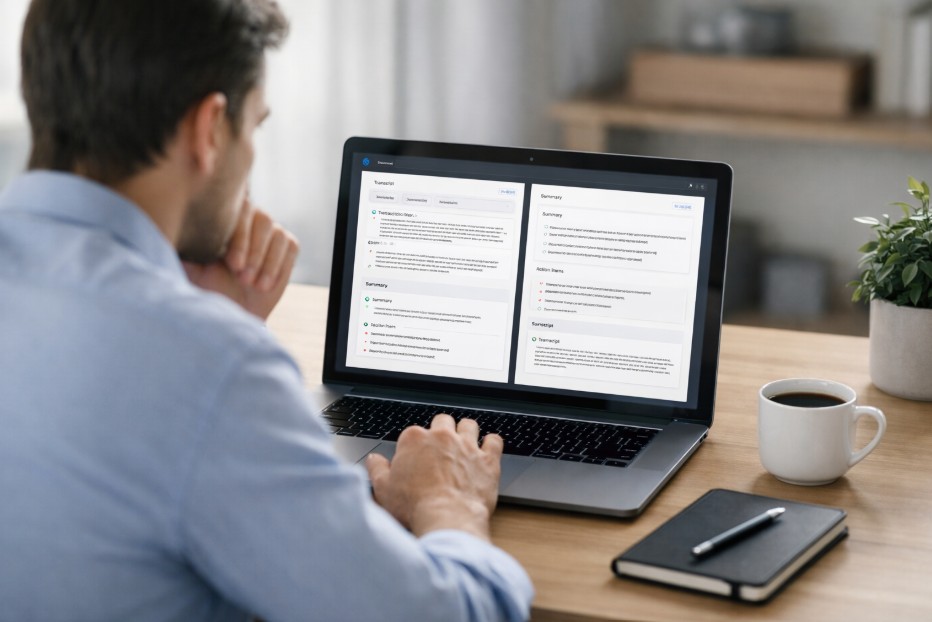

Key takeaways:
- The best meeting notetaker isn’t the one with the most features. It’s the one that fits how you run meetings, use the outputs, and plug them into your existing workflows.
- Context matters. Your use case, environment, and timing requirements shape whether you need simple summaries or deeper structure and integrations.
- Practical decisions like automation, visibility, recording environments, and access control are often more important than headline features.
- Scale changes everything. A personal tool can be simple, but team-wide adoption raises the bar for reliability, permissions, and consistency.
- If off-the-shelf tools don’t fit, infrastructure layers like Recall.ai make it possible to build tailored notetaking experiences without rebuilding recording and transcription from scratch.
AI meeting notetakers are everywhere right now, but choosing one goes beyond chasing features. It’s about finding something that fits how you run meetings day to day.
Founders, operators, and product teams all use them differently. This guide breaks down the key decisions, so you can choose a notetaker that supports your workflow.
What is an AI Meeting Notetaker?

An AI meeting notetaker captures conversations and turns them into usable structured outputs. At its core, it records audio, generates a transcript, and produces a clean summary. But modern tools go further. They combine speech recognition with language models to extract meaning, highlight decisions, and surface next steps automatically.
It changes how teams treat meetings. Instead of relying on memory or scattered notes, you get something you can search, reuse, and build on. For busy teams, notetakers evolve from a convenience into a system for retaining context, decisions, and institutional knowledge.
How to Evaluate AI Meeting Notetakers?
Not all notetakers solve the same problem. The right choice depends on how you run meetings, what you need afterward, and who uses the output. The questions below help narrow your options and avoid feature-driven decisions.
1. What’s Your Use Case?
Start with why you want a notetaker in the first place. A general tool might work if you just need transcripts and summaries. But once the use case gets specific, the requirements change.
Hiring teams may need interview coverage that feeds into an ATS. Sales teams often want notes pushed into a CRM. Product teams care more about recordings they can review later, while ops teams may prioritise fast summaries and clear action items.
The best choice usually fits into the systems you already rely on, rather than adding another disconnected layer to manage.
2. When Do You Need the Data?
Timing shapes how useful a notetaker feels. Some teams need information as the meeting unfolds. Real-time transcripts help with live referencing, accessibility, or powering assistants that react during the conversation.
Others only need clarity after the call ends. Post-meeting summaries work well for follow-ups, documentation, or feeding notes into existing workflows. In many cases, speed matters more than real-time delivery.
The strongest tools support both modes, so you can follow along live when needed and still get structured outputs quickly once the meeting ends.
3. Do You Need Automatic or Manual Recording?
Some teams want meetings captured automatically, especially when calendars are tightly structured. In those cases, automation removes friction and ensures nothing gets missed, even if no one remembers to trigger recording.
Others prefer a more intentional approach, starting recordings only when needed. That can make sense for spontaneous calls or sensitive conversations.
If your workflow leans heavily on scheduled meetings, tools built around a calendar integration API can simplify coverage by triggering recordings directly from your calendar without adding extra steps.
4. Visible Bot or Silent Recorder?
Some notetakers join meetings as visible participants, while others capture conversations quietly in the background. A visible bot makes its role clear and can sometimes interact during the call, which works well for structured or transparent environments.
Silent recorders feel more discreet. They run on a device rather than appearing in the meeting, which some teams prefer for a smoother, less intrusive experience.
Neither approach is inherently better. It comes down to how comfortable your team is with visibility and whether you value presence or subtlety more in everyday meetings.
5. Where Do Your Meetings Happen?
Not every conversation lives inside a video call. Some teams operate fully online, but many move between virtual meetings, in-person discussions, and phone calls. That mix changes what a notetaker needs to support.
If your meetings happen across different formats, consistency is key. You’ll want something that can capture conversations wherever they occur, without forcing you into multiple tools.
Coverage across devices and environments keeps your records complete and avoids gaps in your meeting history, especially as teams adopt more hybrid ways of working.
6. Do You Need Video, Not Just Transcripts?

Some meetings don’t need visuals, but others lose context without them. Audio and transcripts work well for straightforward discussions, but demos, onboarding sessions, and product walkthroughs often rely on what’s shown, not just what’s said.
If your business meetings involve screen sharing or visual cues, having video alongside the transcript makes reviews far more useful. It gives you the full picture, not just the narrative, and makes it easier to revisit key moments without guessing what happened on screen.
7. What’s Your Budget?
Pricing varies more than most people expect. Some tools charge per user, others by usage, and some bundle everything into a flat subscription. How often you rely on a notetaker should guide the decision as much as feature depth.
If you’re weighing off-the-shelf tools against building something custom, factor in engineering time. Building gives flexibility, but infrastructure layers like APIs can offer a middle ground, letting you customise the experience without carrying the full cost of building from scratch.
8. Who Needs Access to the Notes?
Not every meeting output is meant for the same audience. Sometimes notes are purely personal, helping you capture ideas or reminders. In other cases, they become shared records that inform teams and decisions.
If collaboration is vital, easy distribution becomes important. Notes may need to land in inboxes, shared workspaces, or team channels. At the same time, some conversations require discretion. Choosing a notetaker that balances sharing and privacy helps ensure the right people see the right information, without overexposing sensitive discussions.
9. Personal Tool or Company-wide Rollout?

The scale of adoption quickly changes the requirements. For solo use, most tools will cover the basics without much friction. You’re optimising for simplicity and speed.
Roll it out across a team, and expectations shift. Reliability, permissions, and consistency start to matter more than interface polish. You may also need tighter integration with internal systems or controls around how meeting data moves. At that point, the underlying infrastructure becomes just as important as the product experience itself.
When Off-the-shelf Tools Fall Short?
Sometimes the right notetaker doesn’t exist yet. If your workflows are highly specific or span multiple environments, building your own experience may make more sense.
That’s where infrastructure platforms (like Recall.ai) come in. Instead of building recording and transcription from scratch, you can use APIs and SDKs that handle the heavy lifting, giving you flexibility without rebuilding the entire meeting stack.